

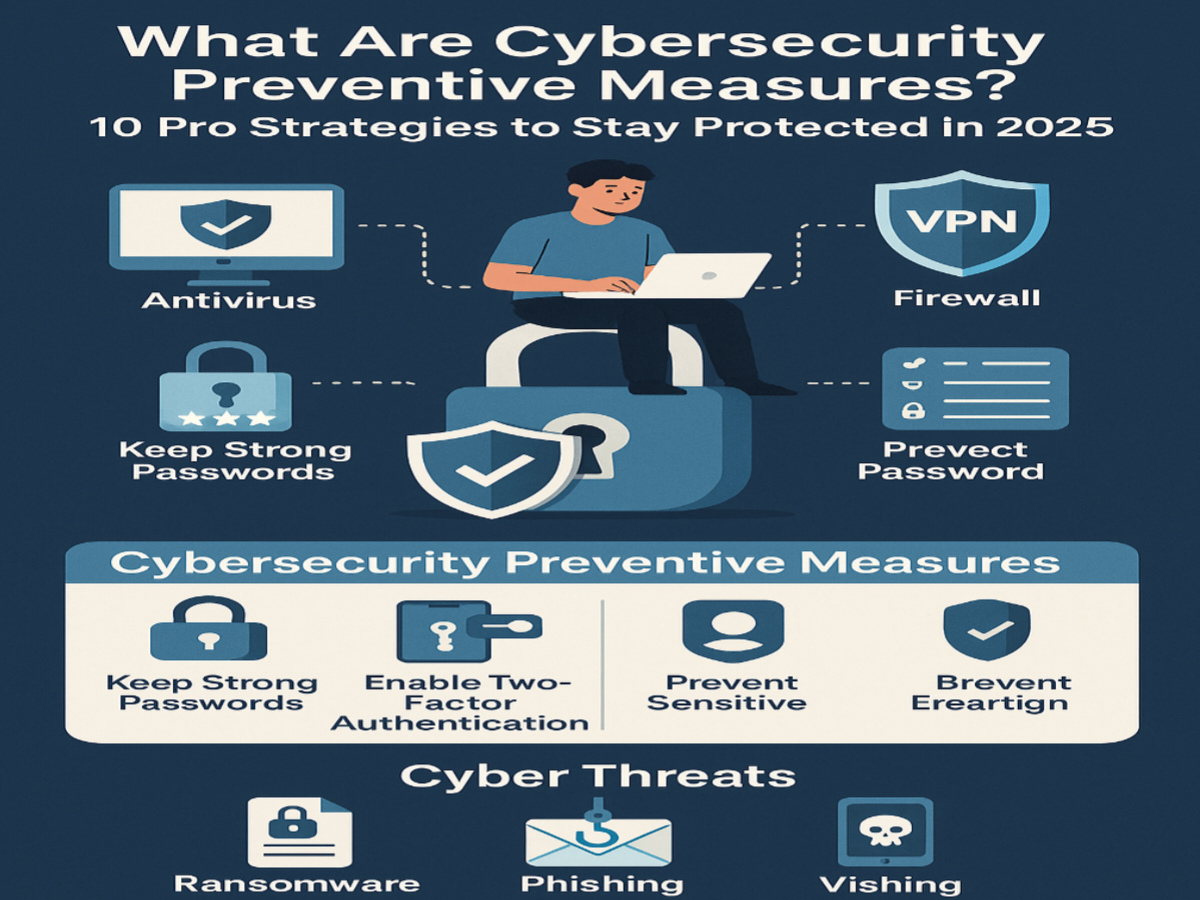
Cybersecurity threats are becoming more advanced every day, and even small security gaps can put your personal data, online accounts, and devices at risk. Many people think strong cybersecurity requires expensive software or technical expertise, but simple upgrades can dramatically improve your protection. From creating stronger passwords to enabling device security features, these easy cybersecurity improvements help reduce the risk of hacking, phishing, malware, and identity theft. Whether you use the internet for work, banking, shopping, or social media, making a few smart changes can strengthen your digital safety and protect your sensitive information from cybercriminals.
Strengthen Your Password Security
Use Strong and Unique Passwords
One of the easiest cybersecurity upgrades is creating strong passwords for every account. Weak passwords are often the main reason hackers gain access to personal information. A secure password should include a mix of uppercase letters, lowercase letters, numbers, and symbols. Avoid using personal details like birthdays or names because cybercriminals can easily guess them. Using different passwords for each account also improves online security because one leaked password will not compromise all your accounts. Strong password habits provide a simple but highly effective layer of cybersecurity protection.
Enable Multi-Factor Authentication
Multi-factor authentication adds an extra layer of account security beyond passwords. Even if a hacker steals your login credentials, they still need a second verification method to access your account. This usually includes a code sent to your phone, email, or authentication app. Many major platforms now support two-factor authentication because it significantly reduces unauthorized access risks. Enabling this feature on banking apps, email accounts, and social media profiles instantly improves cybersecurity and helps protect sensitive information from cyber threats.
Use a Reliable Password Manager
Managing multiple complex passwords can become difficult without proper tools. A password manager securely stores and organizes login credentials while helping users generate stronger passwords. Instead of reusing weak passwords across several websites, users can create unique combinations for every account. Most password managers also offer encrypted storage, making it harder for cybercriminals to steal your information. This simple cybersecurity upgrade improves both convenience and protection while reducing the chances of password-related security breaches.
Improve Device and Network Security
Keep Software and Devices Updated
Software updates are one of the most overlooked cybersecurity protections. Many updates contain security patches designed to fix vulnerabilities that hackers actively target. Delaying updates can leave devices exposed to malware, ransomware, and other cyberattacks. Keeping your operating system, apps, browsers, and antivirus software updated helps maintain strong digital protection. Automatic updates are especially useful because they ensure critical security improvements are installed quickly without requiring manual action from the user.
Secure Your Home Wi-Fi Network
An unsecured Wi-Fi network can allow unauthorized users to access connected devices and personal data. Changing the default router password and using strong encryption settings are important cybersecurity upgrades for home internet safety. WPA3 or WPA2 encryption provides stronger wireless security compared to outdated protocols. It is also helpful to hide your network name and regularly restart your router for better performance and protection. A secure Wi-Fi network creates a safer online environment for all connected devices.
Install Trusted Antivirus Software
Reliable antivirus software helps detect and remove harmful files before they damage your system. Modern cybersecurity tools can identify viruses, spyware, ransomware, and phishing attempts in real time. Many antivirus programs also include web protection features that block dangerous websites and suspicious downloads. Choosing trusted antivirus software adds another important layer of defense against evolving cyber threats. Regular scans and real-time monitoring help keep your devices secure while improving overall digital safety.
Protect Your Personal Information Online
Be Careful With Phishing Emails and Messages
Phishing scams are one of the most common cybersecurity threats today. Cybercriminals often send fake emails or messages pretending to be trusted companies or services. These messages usually attempt to steal passwords, banking information, or personal data. Before clicking any link, users should verify the sender and look for suspicious wording or unusual requests. Avoid downloading unknown attachments because they may contain malware. Staying cautious with emails and online communication greatly improves protection against identity theft and online fraud.
Limit Personal Information Sharing
Oversharing personal information online can increase cybersecurity risks. Social media platforms often expose details that hackers can use to guess passwords or answer security questions. Limiting the amount of personal data shared publicly reduces the chances of identity theft and targeted attacks. It is also important to review privacy settings regularly to control who can access your information. Protecting personal details online is a simple cybersecurity habit that improves long-term digital safety.
Back Up Important Data Regularly
Regular data backups help protect important files from ransomware attacks, accidental deletion, or hardware failure. Storing backups in cloud storage or external drives ensures valuable information can still be recovered if devices become compromised. Cybersecurity experts recommend keeping multiple copies of important data in secure locations. Automated backup systems are especially useful because they continuously save updated files without manual effort. This cybersecurity upgrade provides peace of mind and reduces the impact of unexpected digital threats.
FAQs
What is the easiest cybersecurity upgrade for beginners?
Using strong passwords and enabling multi-factor authentication are the easiest and most effective cybersecurity upgrades.
Why are software updates important for cybersecurity?
Updates fix security vulnerabilities that hackers can exploit to attack devices and accounts.
How does antivirus software improve protection?
Antivirus software detects and blocks malware, ransomware, spyware, and other online threats.
What is phishing in cybersecurity?
Phishing is a scam where attackers trick users into sharing passwords or sensitive information through fake emails or messages.
How often should I back up important files?
It is best to back up important files regularly, especially if you store sensitive or work-related data online.
Conclusion
Improving your cybersecurity does not always require advanced technical knowledge or expensive tools. Simple upgrades like stronger passwords, multi-factor authentication, software updates, secure Wi-Fi settings, and safer online habits can instantly strengthen your protection against cyber threats. As digital risks continue to grow, taking proactive steps to secure your accounts, devices, and personal information becomes more important than ever. By applying these easy cybersecurity improvements, you can create a safer online experience and reduce the chances of cyberattacks, identity theft, and data loss.